VRChat
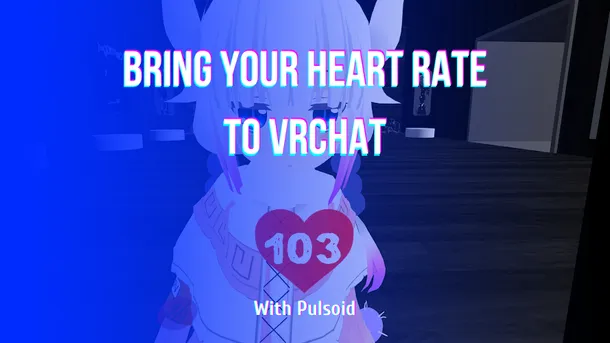
VRChat向け Pulsoid Desktop OSC セットアップガイド
VRChat向けPulsoid OSCの設定ガイド。アバターパラメータやチャットボックスに心拍数を連動・表示させる手順をわかりやすく解説します。
VRChat向けPulsoid OSCの設定ガイド。アバターパラメータやチャットボックスに心拍数を連動・表示させる手順をわかりやすく解説します。
Learn how to set up Pulsoid OSC for VRChat. Follow this step-by-step guide to configure your heart rate display for avatars and chatbox.
Pulsoid OSC、VRCOSC、MagicChatBox、TTS Voice Wizardなどのツールを使って、VRChatで心拍数をリアルタイムに表示する方法を解説します。

Subnautica 2 launches in Early Access on May 14, and if you plan to stream it, adding a heart rate widget can make your content even more engaging. While Subnautica isn’t a traditional horror game, its deep-sea exploration and unexpected encounters can still be terrifying. The Subnautica heart rate widget lets viewers see your real-time reactions during intense moments while matching the game’s style perfectly. How to add the Subnautica heart rate widget on stream: Make sure
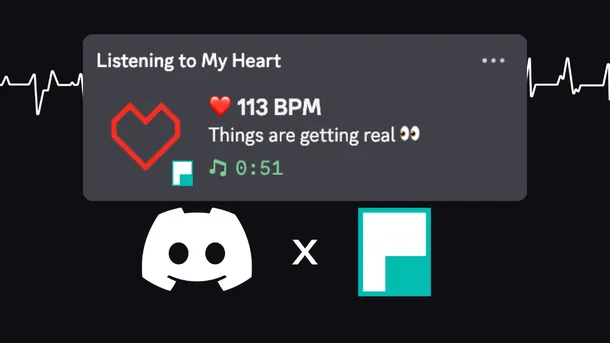
Learn how to show your live heart rate on your Discord profile. Use Pulsoid’s Discord BPM Activity to display real-time heart rate, GIFs, and custom links.
Want to use your AirPods Pro 3 as a heart rate monitor for streaming? With Pulsoid, you can track your BPM in real time and show it on Twitch, YouTube, Kick, or any other streaming platform. This guide shows how to connect AirPods Pro 3 to Pulsoid and display your heart rate on stream in just a few minutes. How to Connect AirPods Pro 3 to Pulsoid Install the free Pulsoid iOS app Create a Pulsoid account Open the app and select AirPods Pro 3 from the Devices list Tap “Start” A

The ARC Raiders heart rate widget lets you show your real-time reactions on stream. The surface is full of danger, and every run or sudden fight can make your pulse jump. Now your viewers can see it happen live. This BPM widget, inspired by the game’s sci-fi style, adds extra tension and makes your Twitch stream more immersive. You can customize the widget to match your style: Set BPM-based color ranges for real-time heart rate changes Change the background color Adjust the
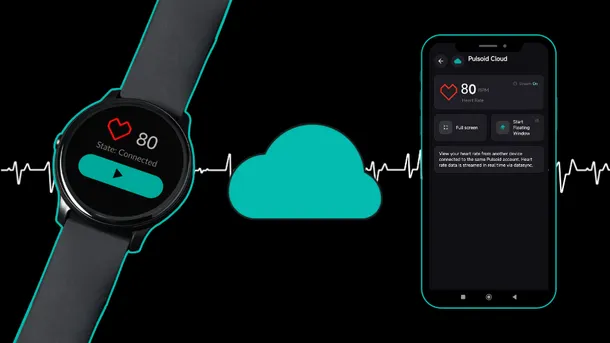
Pulsoid Cloud is a feature that lets you sync your heart rate between Pulsoid apps on different devices using the cloud. It’s available in the Pulsoid Android and Windows apps. This is especially useful if you use smartwatches like Apple Watch, Wear OS, or Fitbit, as it helps you unlock all Pulsoid mobile app features, including the Floating Window. Pulsoid Cloud is also helpful if your device only works with the mobile app, but you still want to see your heart rate in the de
Want to show your heart rate from your PC? The Pulsoid Desktop app for Windows allows you to stream your real-time heart rate directly to Twitch or display it on VRChat. The Windows app offers exclusive features not available on mobile, including: Discord BPM Activity: Display your live heart rate as your Discord status. VRChat OSC Integration: Send heart rate data directly to your VRChat avatar or in the chatbox. Requirements: Windows OS Built-in Bluetooth or a USB Blue