VRChat
VRChat向け Pulsoid Desktop OSC セットアップガイド
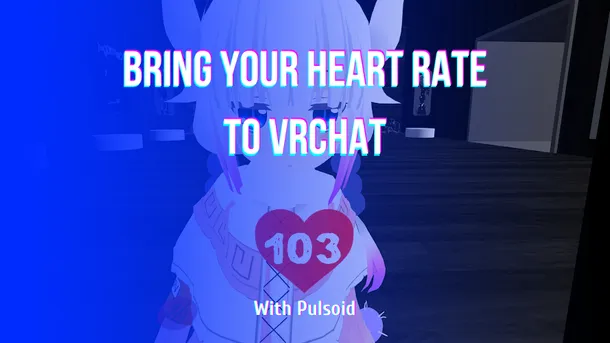
VRChat向けPulsoid OSCの設定ガイド。アバターパラメータやチャットボックスに心拍数を連動・表示させる手順をわかりやすく解説します。
VRChat向けPulsoid OSCの設定ガイド。アバターパラメータやチャットボックスに心拍数を連動・表示させる手順をわかりやすく解説します。
Learn how to set up Pulsoid OSC for VRChat. Follow this step-by-step guide to configure your heart rate display for avatars and chatbox.
Pulsoid OSC、VRCOSC、MagicChatBox、TTS Voice Wizardなどのツールを使って、VRChatで心拍数をリアルタイムに表示する方法を解説します。
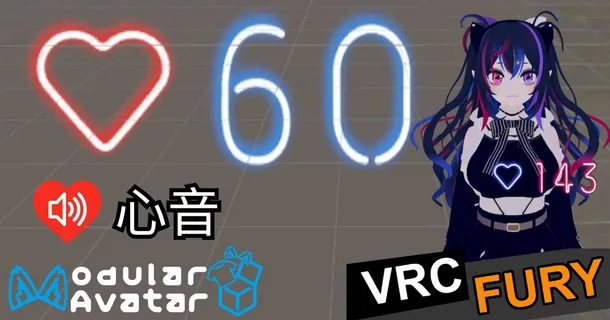
発光心拍数ギミックは、VRChat アバター上でリアルタイムの心拍数を表示できるアドオンです。明るく光るエフェクト、フルカラーの調整、BPMレンジ設定、そしてオプションで心音(鼓動音)にも対応しています。VRCFury および Modular Avatar に対応しており、表示の自動非表示や手動トグル切り替えも可能です。シンプルな設定で導入でき、カスタマイズ性の高い心拍表示ギミックとなっています。セットアップも非常に簡単です。まずは、本ギミックの動作に必要なものをご確認ください。 必要なもの Unity 2022 VRCFury または Modular Avatar を追加した Unity プロジェクト Pulsoid アカウントの作成および連携設定 未設定の場合は、こちらのガイドの最初の3ステップをご確認ください 心拍数パラメータを送信できる OSC ツール 注意 Quest および Android アバターでは、プレハブは動作しません。 PC向けアバターをベースに、Quest または Android 対応版を作成する場合は、VRCFury ま
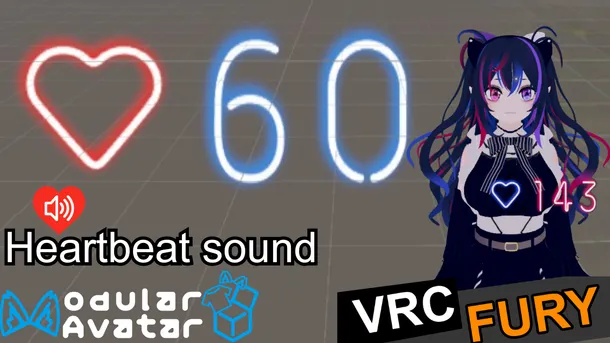
The Glowy Heart Rate prefab is a VRChat add-on that lets you show your real-time pulse directly on your avatar. It includes a bright glow effect, full color controls, BPM range settings, and an optional heartbeat sound. The prefab works with VRCFury and Modular Avatar, and you can set it to auto-hide or toggle the display whenever you need. This makes it a simple and customizable way to add live heart rate visuals to your VRChat world or avatar. Oh, and it's super easy to set
We recently released the Glowy Heart Rate Prefab, and to work correctly, it requires receiving specific parameters from OSC apps. HR (Int): required to display your heart rate. isHRBeat (Bool): required if you want the prefab to stop showing on your avatar when heart rate data isn’t being received for some time. The easiest way to get these parameters working is Pulsoid OSC, a feature built directly into Pulsoid Desktop. It sends both parameters automatically, with no separat
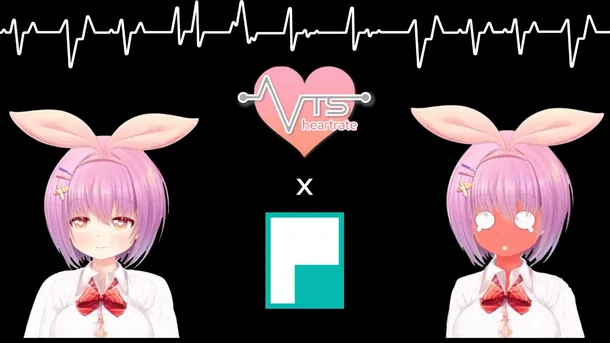
Want to add heart rate tracking to your VTube streams? The VTS-Heartrate plugin is exactly what you’re looking for! It connects your real-time heart rate to your VTube Studio avatar, letting your character react to your pulse during intense moments, scary games, or chill chats. With VTS-Heartrate, your streams become more immersive and fun as your viewers see how calm or excited you are in real time. Whether you want your avatar to blush, look nervous, or just display your pu
Heart rate integration with avatars via OSC has already captured the attention of VRChat players, and we're taking it a step further. We’re thrilled to introduce a groundbreaking feature that will transform how you experience VRChat: the ability to link your heart rate directly to VRChat worlds. Imagine your virtual environment reacting dynamically to your emotional and physical state, creating an immersive experience like never before. While we’re still working on integratin
There are a number of VRChat OSCs that let you implement your heart rate in the game in some way or another. Each one of them provides an interesting spin on Pulsoid and VRChat integration. This is true for MagicChatbox as well. Among its wide spectrum of neat features like message sharing, showing your current playing Spotify song, and text-to-speech communication the support of displaying the data from your heart rate monitor in VRChat is a very welcome addition. It will he