Heartix
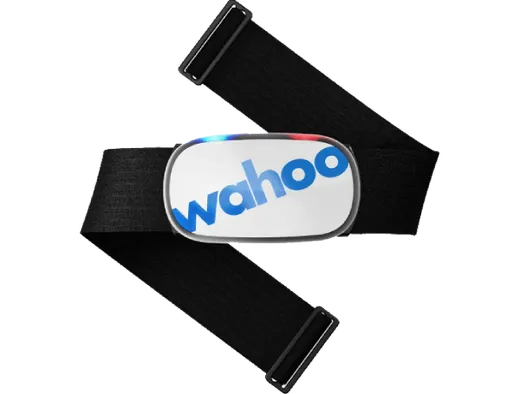
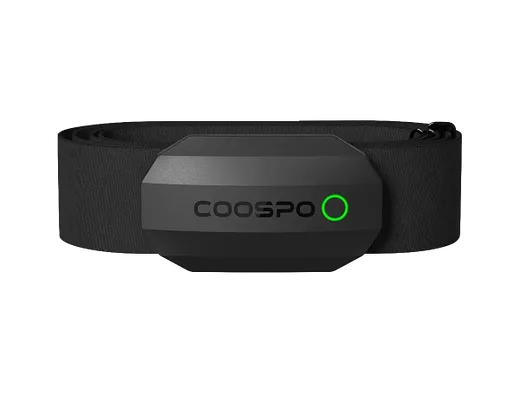
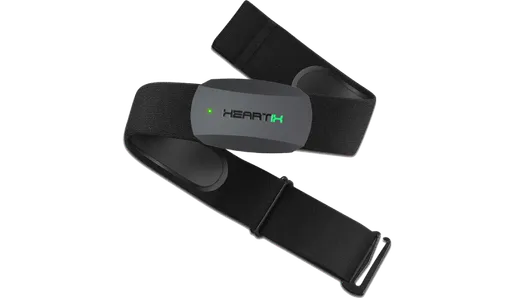
A new heart rate monitor designed for streamers and gamers offers an accurate solution at a reasonable price. If you're looking for a new device to start your heart rate streaming journey, this is a great option.
AmazonThe list of supported devices is not limited to these options. We've added most popular items. Other chest belt monitors with Bluetooth BLE and heart rate broadcasting are supported too.
A new heart rate monitor designed for streamers and gamers offers an accurate solution at a reasonable price. If you're looking for a new device to start your heart rate streaming journey, this is a great option.
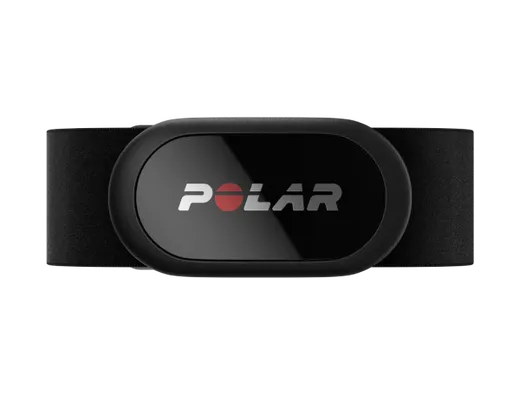
AmazonPulsoid choice. Top quality HR monitor, that will provide accurate measurements combining with a comfortable chest belt.
20% of users choose it for heart rate streaming
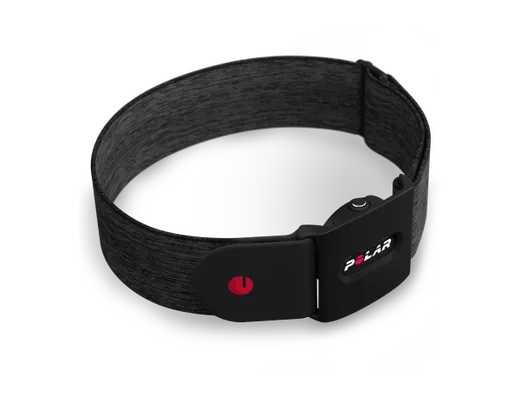
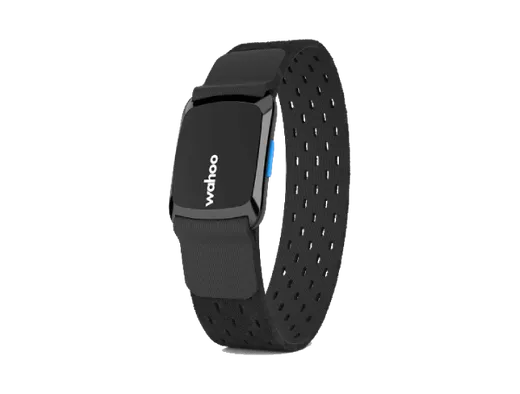
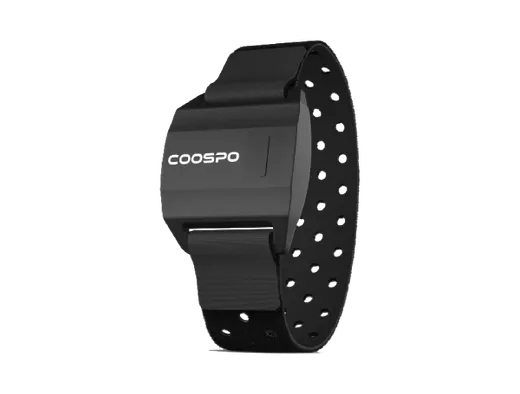
Best Arm band solution. Optical monitor with a great quality. Comfortable solution for people who do not want to use chest belt monitor.
Previous versions OH1 and OH1+ are compatible as well
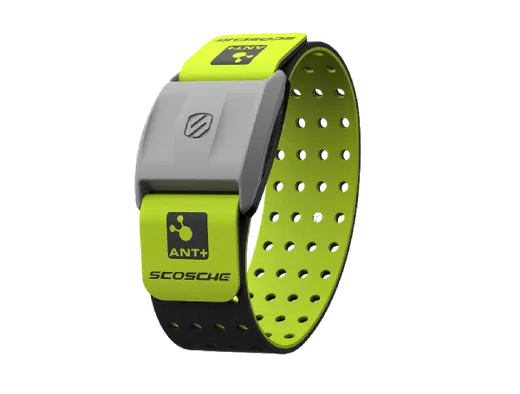
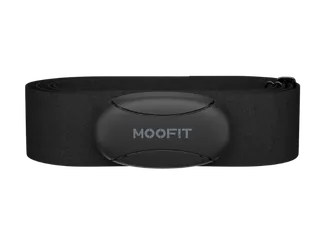
Best for Entry-Level Users. If you want to try if heart rate streaming is good for you and looking for a cheap heart rate monitor for streaming.
30% of users choose it for heart rate streaming
Affordable device to start your heart rate streaming journey wiht!
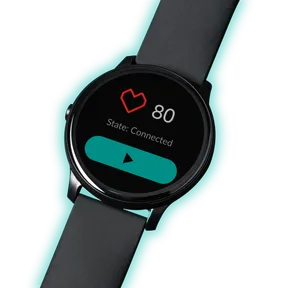
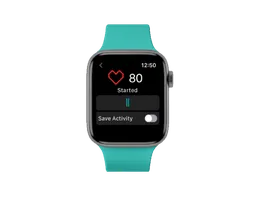
If you have a device already, download the Pulsoid Android app, grab your Wear OS (Android) device, log in and you are good to go. A lot of watches have a low accuracy, which may degrade the whole experience.
! We do not recommend purchasing a watch for heart rate streaming.
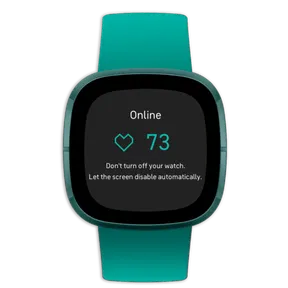
If you have a device already (*Fitbit Ionic, Versa, Versa Lite, Versa 2, Sense, Versa 3), download the Pulsoid Fitbit app, grab your Fitbit device, log in and you are good to go. A lot of watches have a low accuracy, which may degrade the whole experience.
! We do not recommend purchasing a watch for heart rate streaming.
Third-party apps are disabled for Fitbit users in Europe.
Not sure what to choose? - Ask us on Discord

*alternatives are unsupported by default devices that can be connected in some cases, lower accuracy may degrade the experience.
We do not recommend purchasing these devices for heart rate streaming.
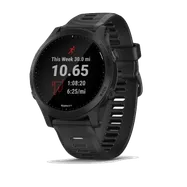
Forerunner(FR 245/ FR 945 / FR 255/ FR 55 / FR 745) or Fenix 6 Pro and Fenix 7 support Heart Rate broadcasting mode via BLE; (Ant+ broadcasting won't work for Pulsoid). You need to turn on broadcasting mode, click Start and it should be visible in the Pulsoid app.
How to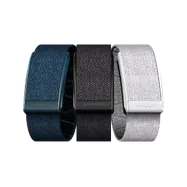
To turn on broadcasting go to WHOOP app: Menu --> Strap Settings --> HR Broadcast On.
Halo: go to the Halo app’s Settings -> Heart Rate Sharing -> ON-> share your heart rate with the other app or device.
It should be visible in the Pulsoid app and can be used for streaming.
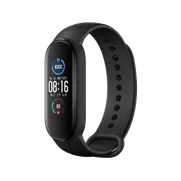
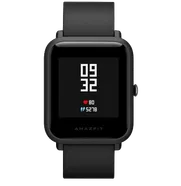
MiBand has lower accuracy and it may degrade the experience. We recommend you use one of the supported chest belt heart rate monitors from the list above.
The Pulsoid app in some cases can be connected with a MiBand 3,4,5,6
Mi Band 7,8,9 may be used with the paid Notify app integration
Mi Band 10 should work with the "Share HR" mode
We do not recommend purchasing Mi Band for heart rate streaming.
How to MiBandHow to Amazfit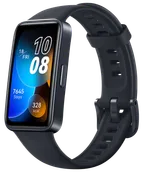
Only the latest models like Huawei Band 8,9,10,11. Watch Fit 3. If you own a Huawei Watch with a broadcasting feature, please share the model with us.
We do not recommend purchasing Huawei for heart rate streaming.
How to HuaweiWe are working to support more devices. Please submit a device you own and we will contact you when it is supported (if it is possible).
Request a new device support