VRChat
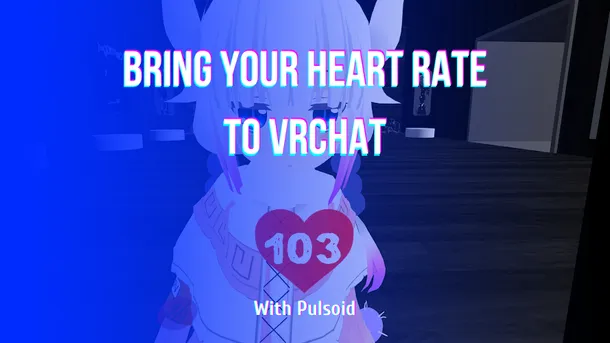
PulsoidでVRChatに心拍数を表示する方法
Pulsoid OSC、VRCOSC、MagicChatBox、TTS Voice Wizardなどのツールを使って、VRChatで心拍数をリアルタイムに表示する方法を解説します。
Pulsoid OSC、VRCOSC、MagicChatBox、TTS Voice Wizardなどのツールを使って、VRChatで心拍数をリアルタイムに表示する方法を解説します。
Learn how to show your heart rate in real time in VRChat with Pulsoid using Pulsoid OSC, VRCOSC, MagicChatBox, TTS Voice Wizard, and other tools.
When it comes to stream layout design there is no one correct answer for everyone. With our widgets, you can set up any design for your heart rate widgets you want to match your style, game, event while broadcasting. BPM widget has ranges with color, font, and alignment settings 1. Change font in settings. On your widget configuration page, you can change the font. Choose any from the list. If you like none of these, step 2 is for you. 2. Change font in custom CSS If you can'
OBS and Streamlabs OBS allow adding custom CSS in Browser Source setting and thanks to this feature you can add some special feeling or design touch to your BPM widget. Today we share ideas on how to change your BPM widget to make it look great with your The Last of Us Part II stream. 1. Add your BPM widget to your OBS Set up basic color and ranges(we use only one range for the widget for example) and copy widget unique URL in widget settings. In your OBS or Streamlabs OBS cl