Widgets
How to show your BPM heart rate widget in the game in a real time
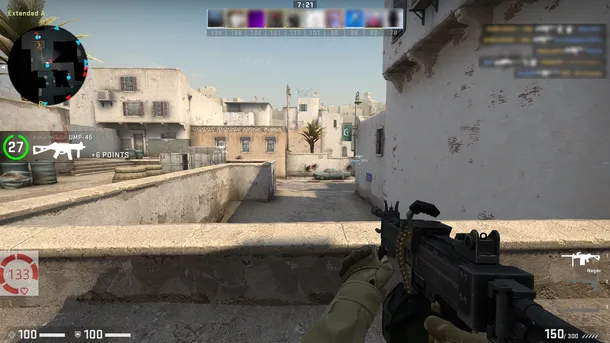
If you do not stream but still want to see your heart rate on screen while playing a fullscreen game on windows, you can use this tutorial to show Pulsoid widgets on the top of all other windows. 1. Install OnTopReplica application Windows Vista, 7, 8, or 10 GitHub: https://github.com/LorenzCK/OnTopReplica/releases 2. Click 'Launch' in the widget settings to open a browser window. It should be the window you want to be shown on the top of your gaming screen. 3. Open OnTopRepl