How to Use Pulsoid with Wear OS Smartwatches
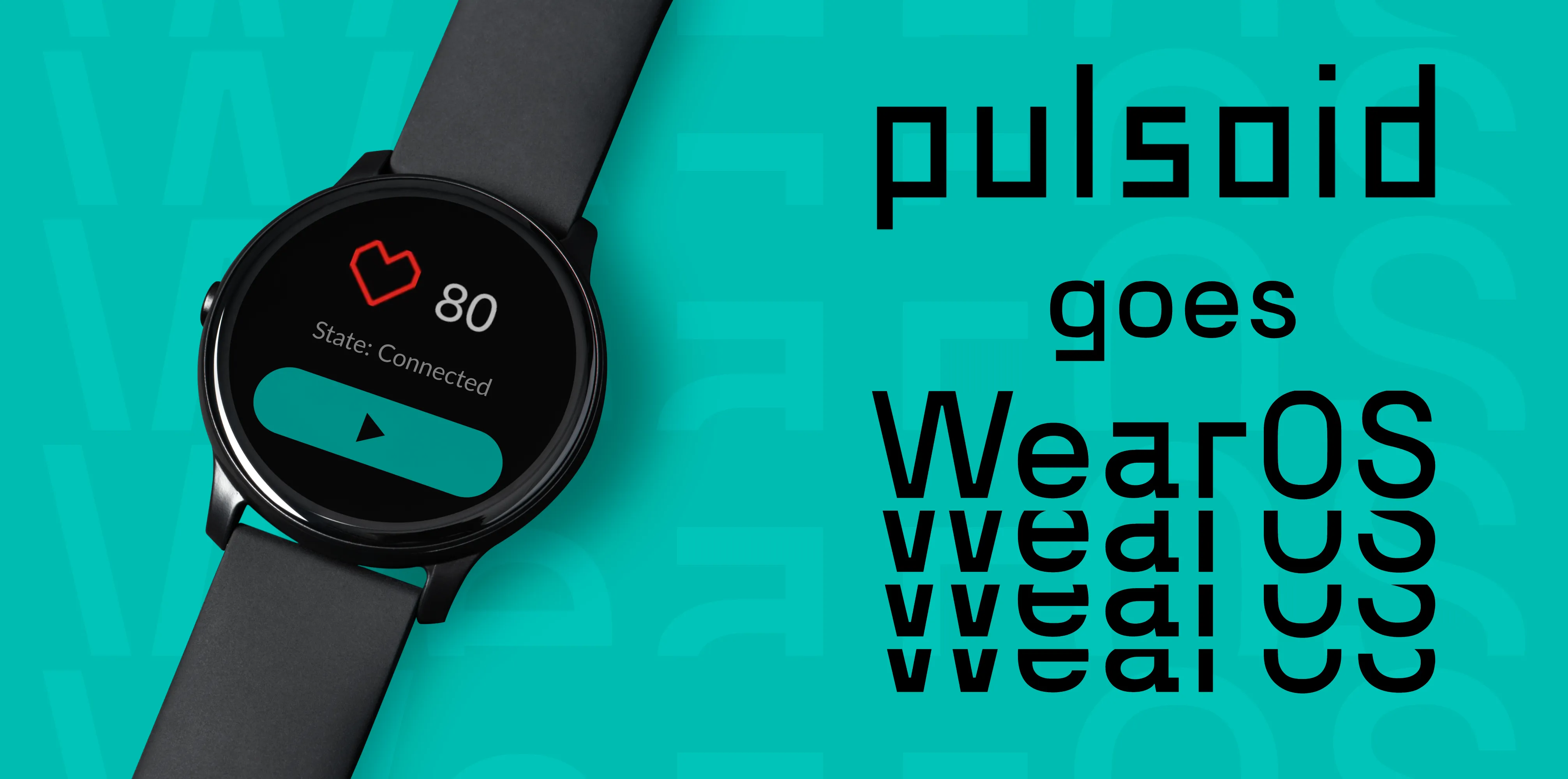
Table of Contents
- How to Set Up Pulsoid on Your Wear OS Watch
- Wear OS Smartwatches Compatible with Pulsoid
- Don’t See Your Wear OS Watch?
- Looking for More Accurate Heart Rate Readings?
- FAQ
Pulsoid natively supports Wear OS smartwatches, including Samsung Galaxy Watch, Google Pixel Watch, Mobvoi TicWatch, OnePlus Watch, Xiaomi Watch, and Fossil models, as well as many other Wear OS-compatible devices.
Pulsoid Wear OS compatibility at a glance:
- Operating system: Wear OS
- Supported brands: Samsung, Google, Mobvoi, OnePlus, Xiaomi, Fossil, and other manufacturers
- Connection method: Install the Pulsoid Wear OS app through Google Play on your watch
- Account login: Automatic login through the paired Android phone or manual device linking
- Additional requirements: Heart Rate permission and appropriate battery settings
- Use cases: Live heart rate streaming on Twitch, YouTube, and Kick; VRChat avatar and chatbox integration; supported games like Geometry Dash
Jump to your watch: Samsung · Google · Mobvoi · OnePlus · Xiaomi · Fossil · Other brands
Setting up Pulsoid on your Android smartwatch takes just a few minutes. Once connected, you can use any Pulsoid widget to show your live heart rate on your Twitch, YouTube, or Kick stream, display it on your VRChat avatar or in-game chatbox, or directly in games like Geometry Dash.
To show your heart rate on stream, add a Pulsoid widget as a Browser Source in OBS Studio, Streamlabs Desktop, Meld, XSplit, or other broadcasting software.
How to Set Up Pulsoid on Your Wear OS Watch
- Open Google Play on your watch and install the Pulsoid app.
- Open Pulsoid on your watch and choose one of these login methods:
- With your phone: open the Pulsoid Android app on the paired phone. Make sure you’re already logged in. Your watch will automatically connect to the same Pulsoid account.
- Without your phone: tap Manual login on your watch. On any device, visit pulsoid.net/s/device-link and enter the code displayed on your watch.
- Tap Start on your watch and grant Pulsoid the requested permissions:
- Allow Pulsoid to access your heart rate and select Allow all the time.
- Disable battery optimization for Pulsoid to prevent heart rate tracking from stopping when your watch screen turns off.
- Samsung Galaxy Watch users: Also remove Pulsoid from Settings → Battery → Sleeping apps to prevent the system from putting the app to sleep.
- Once setup is complete, your live heart rate should appear in the Pulsoid app on your watch and on your Pulsoid Dashboard. This confirms that your watch is successfully connected to your Pulsoid account.
Wear OS Smartwatches Compatible with Pulsoid
Pulsoid supports a wide range of Wear OS smartwatches from different manufacturers. Below is a list of compatible brands and models, including Samsung Galaxy Watch, Google Pixel Watch, Mobvoi TicWatch, OnePlus Watch, Xiaomi Watch, Fossil, and other Wear OS devices.
Find your smartwatch brand to check whether your model is supported.
Samsung
Galaxy Watch Ultra 2, Galaxy Watch Ultra, Galaxy Watch FE, Galaxy Watch9, Galaxy Watch8 Classic, Galaxy Watch8, Galaxy Watch7, Galaxy Watch6 Classic, Galaxy Watch6, Galaxy Watch5 Pro, Galaxy Watch5, Galaxy Watch4 Classic, Galaxy Watch4
Pixel Watch 5, Pixel Watch 4, Pixel Watch 3, Pixel Watch 2, Pixel Watch (1st gen)
Mobvoi
TicWatch Pro 5 Enduro, TicWatch Pro 5, TicWatch Pro 3 Ultra GPS, TicWatch Pro 3 GPS, TicWatch Pro 3, TicWatch Pro 4G, TicWatch Pro S, TicWatch Pro, TicWatch E3, TicWatch E2, TicWatch S2, TicWatch E Smartwatch, TicWatch S Smartwatch, TicWatch C2+, TicWatch C2, TicWatch Atlas
OnePlus
OnePlus Watch 4, OnePlus Watch 3 (43 mm and 46 mm), OnePlus Watch 2R, OnePlus Watch 2
Xiaomi
Xiaomi Watch 5, Xiaomi Watch 2 Pro, Xiaomi Watch 2
Fossil
Gen 6, Gen 5e, Gen 5 LTE, Gen 5 Carlyle HR, Gen 5 Garrett HR, Gen 5 Julianna HR, Gen 4 Q Explorist HR, Gen 4 Q Venture HR, Sport, Q Founder 2.0, Q Founder, Q Wander, Q Marshal, Bradshaw, Dylan, Axial, Fossil SS
Other brands
| Brand | Supported models |
|---|---|
| OPPO | Watch X3, Watch X2 Mini, Watch X2, Watch X, Watch |
| Huawei | Watch (1st gen), Watch 2 |
| Motorola | Moto 360, Moto 360 (2nd Gen), Moto 360 Sport |
| Suunto | 7 |
| TAG Heuer | Connected, Connected 2020, Connected Calibre E4, Connected Modular 41, Connected Modular 45 (China) |
| Citizen | CZ Smart |
| LG | G Watch R, Watch Sport, Watch Style, Watch Urbane, Watch Urbane 2nd Edition LTE, Watch W7 |
| Casio | WSD-F10 (Smart Outdoor Watch), WSD-F20, WSD-F21HR, WSD-F30, GSW-H1000 |
| Polar | M600 |
| Skagen | Falster 2, Falster 3, Falster Gen 6 |
| Michael Kors | Access Lexington 2, Access Runway, Access Darci |
| Movado | Connect, Connect 2.0, Boss Touch, TH 24/7 YOU |
| Misfit | Vapor 2, Vapor X |
| Emporio Armani | Connected |
| Diesel | Full Guard 2.5 |
| Hublot | Big Bang e, Big Bang e Gen 3 |
| Montblanc | Summit, Summit 2+, Summit Lite |
| Puma | Smartwatch |
| Asus | ZenWatch 2, ZenWatch 3 |
| Guess | Guess Wear |
| Louis Vuitton | Tambour Horizon |
| New Balance | Run IQ |
| Nixon | The Mission |
| Verizon Wireless | Wear24 |
| ZTE | Quartz |
Don’t See Your Wear OS Watch?
Don’t see your smartwatch in the compatibility list? Contact the Pulsoid support team at support@pulsoid.net or join our Discord community. Let us know your watch’s brand and model, and we’ll help you check its compatibility with Pulsoid.
Looking for More Accurate Heart Rate Readings?
Smartwatch heart rate sensors are convenient, but their readings can vary depending on wrist movement, watch fit, and other factors.
For more consistent heart rate data during livestreams and gaming sessions, we recommend using a dedicated heart rate monitor, such as a chest strap or armband.
However, your Wear OS smartwatch is a great way to get started with Pulsoid and explore its features using a device you already own.
Check out our compatible heart rate monitors if you’re looking for a dedicated device.
FAQ
Does Pulsoid work with Wear OS smartwatches?
Yes. Pulsoid supports many Wear OS smartwatches from Samsung, Google, Mobvoi, OnePlus, Xiaomi, Fossil, and other manufacturers. To get started, install the Pulsoid app from Google Play on your watch, log in, and tap Start. Check the compatibility list above to see whether your model is supported.
Do I need the Pulsoid phone app to use my Wear OS watch?
No. Tap Manual login on your watch, visit pulsoid.net/s/device-link on any device, and enter the code shown on your watch. If you already use the Pulsoid Android app, open it on the paired phone and your watch logs in to the same account automatically.
Does my watch need an internet connection?
Yes. The watch sends your heart rate to Pulsoid itself, over Wi-Fi, LTE, or the internet connection of your paired phone. If the connection drops, the app shows “No internet connection” and keeps retrying.
Why does my heart rate stop when the watch screen turns off?
Usually because of the watch’s battery settings. Give Pulsoid the Heart Rate permission with Allow all the time and turn off battery optimization for Pulsoid. On Galaxy Watch, also remove Pulsoid from Settings → Battery → Sleeping apps. You can also turn on Always-on screen mode in the Pulsoid watch app.
Does Pulsoid work with older Samsung watches like Galaxy Watch3 or Gear S3?
No. Galaxy Watch3, Galaxy Watch Active, and Gear watches run Tizen, not Wear OS, so the Pulsoid Wear OS app can’t be installed on them. Galaxy Watch4 and newer models run Wear OS and are supported.
Can I use my Wear OS watch with Pulsoid in VRChat?
Yes. Once your watch is connected to Pulsoid, you can display your live heart rate on your VRChat avatar or in-game chatbox. Check out our VRChat setup guide to learn how to set it up.
Can I use my Wear OS watch to stream my heart rate on Twitch?
Yes. Once your Wear OS watch is connected to Pulsoid, you can add any Pulsoid widget to your streaming software as a Browser Source. This lets you display your live heart rate on Twitch, YouTube, Kick, and other streaming platforms.
Is a Wear OS watch as accurate as a chest strap?
No. Wrist sensors are affected by movement and by how the watch fits, so they react more slowly during intense moments. For the most accurate readings, use one of the heart rate monitors that work best with Pulsoid.